
Searching the SFO Museum Aviation Collection website by color

Early last week we quietly launched the new “search by color” feature on the SFO Museum Aviation Collection website. This work follows in the footsteps of similar functionality introduced by the Cooper Hewitt Smithsonian National Design Museum in 2013 (full disclosure: I also worked on that project.) In addition to being able to browse objects matching a given color our implementation also allows you to refine arbitrary search queries, and “list” views, by the colors found in the initial results set.
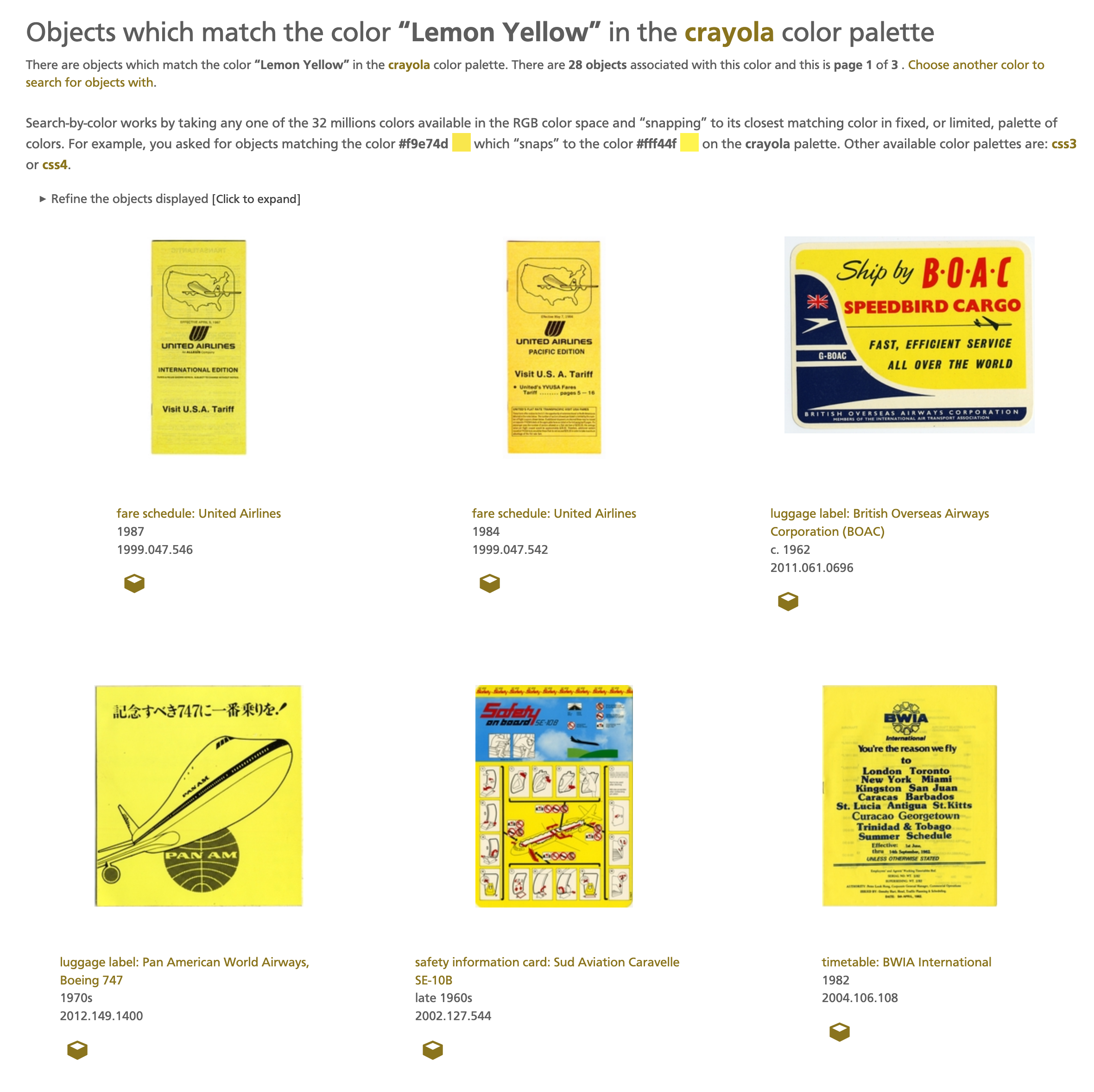
Every object image now displays a set of color swatches representing the dominant colors found in that image. We wrote about the tools we use to derive those swatches recently in the Updates to the SFO Museum text and image “embossers” blog post. When you click on one of those swatches it will take you to a list of all the objects with a similar colors. For example, objects which are yellow:
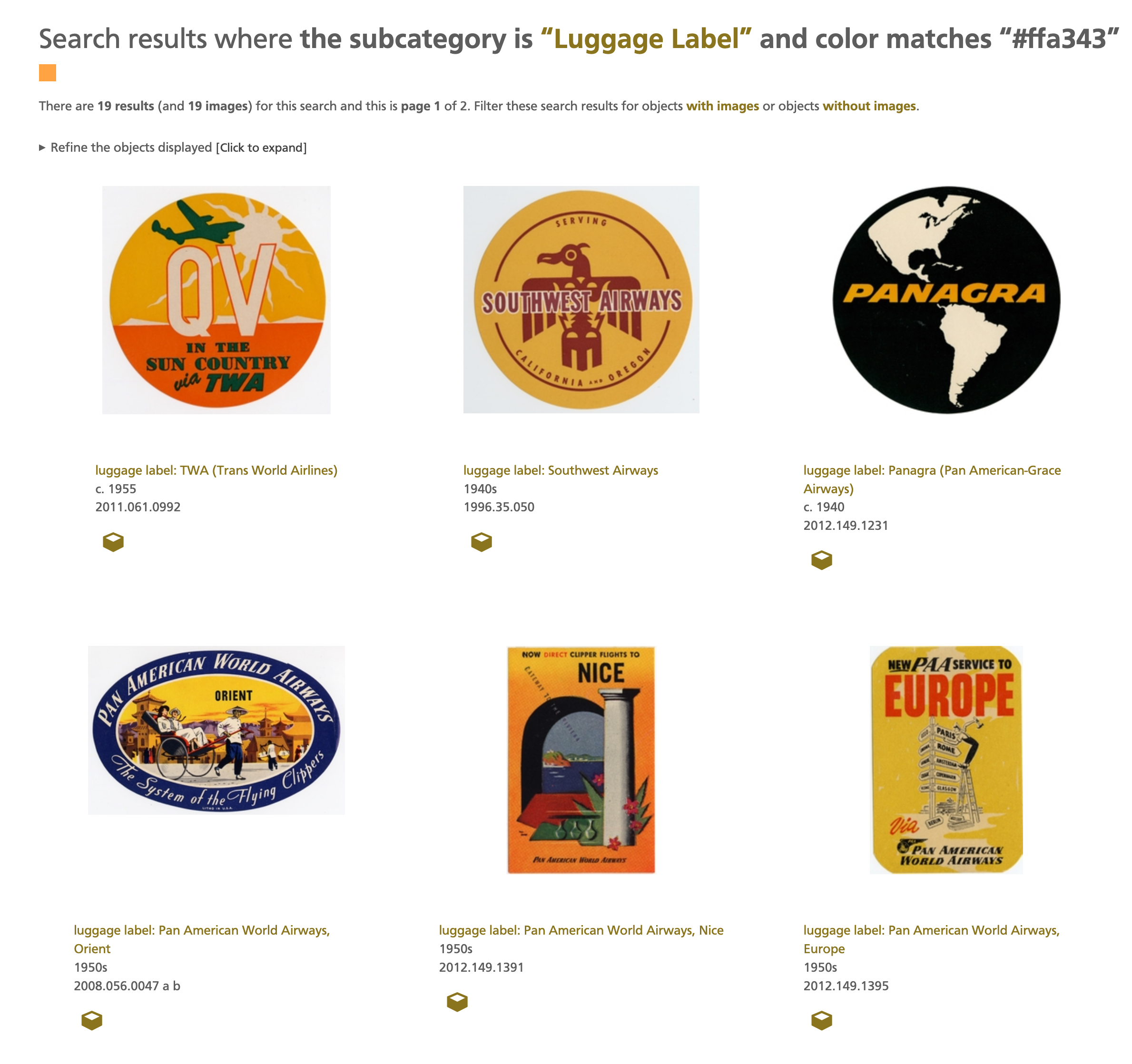
Here are some screenshots of other search-by-color examples:
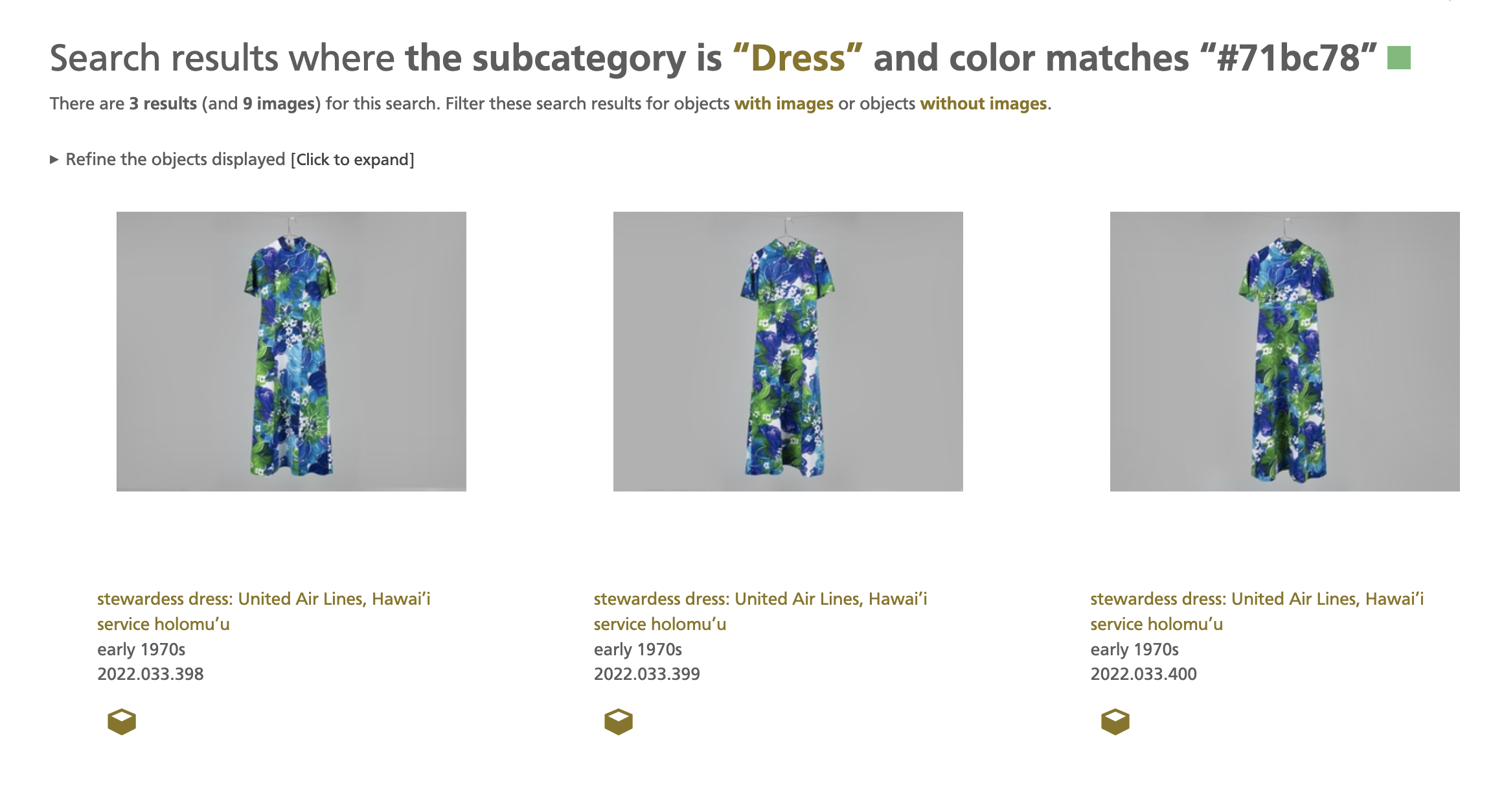
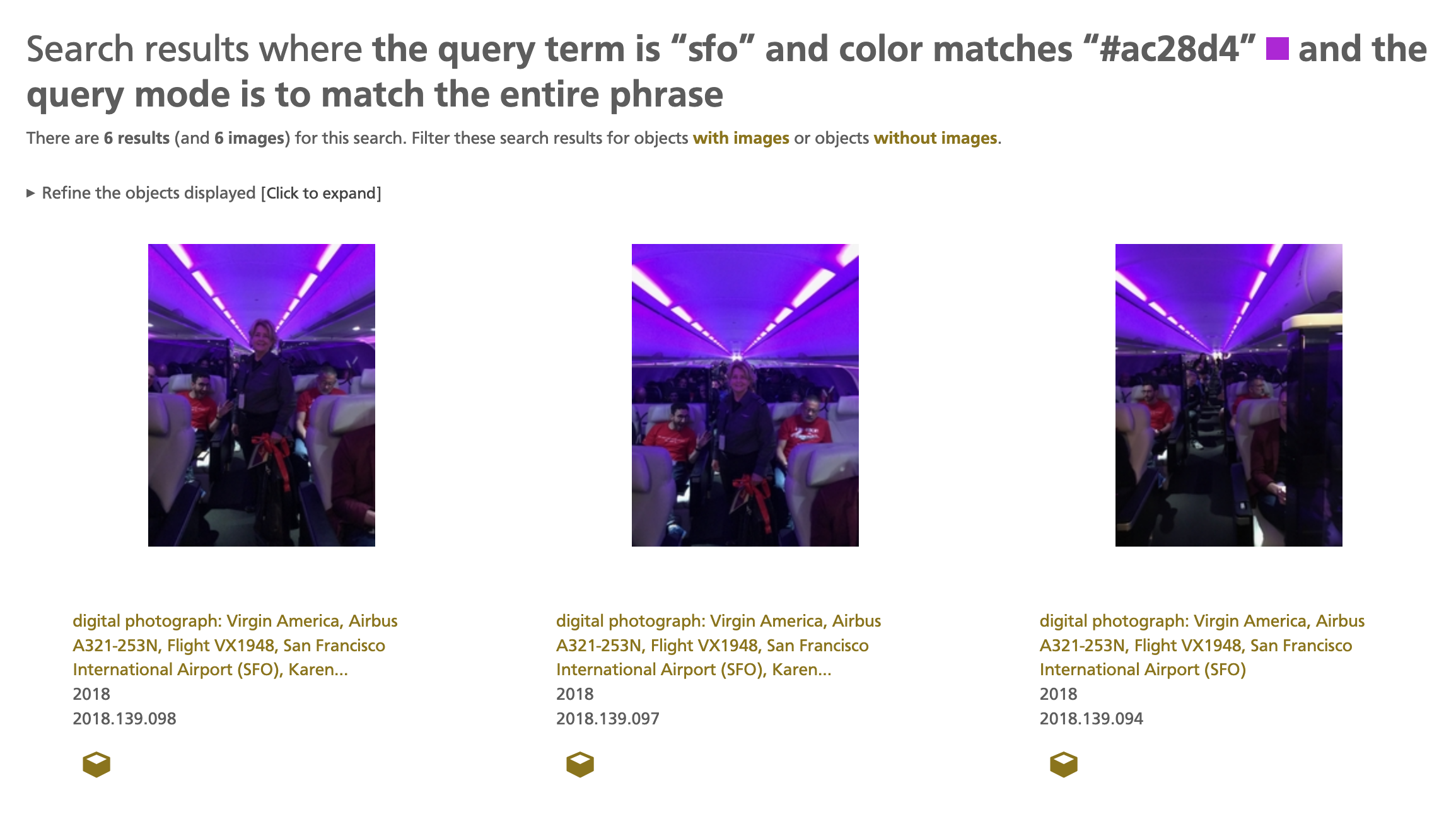
The search-by-color functionality works by taking an input color, represented as a hexidecimal string, and then “snapping” it to its nearest match on a fixed palette of colors. The RGB color space contains over 16 million individual colors so searching for exact matches will usually yield too few results to make searching by color useful. By “bucketing” all those millions of colors in to a fixed set of a couple of hundred colors, a “palette”, things start to get interesting.
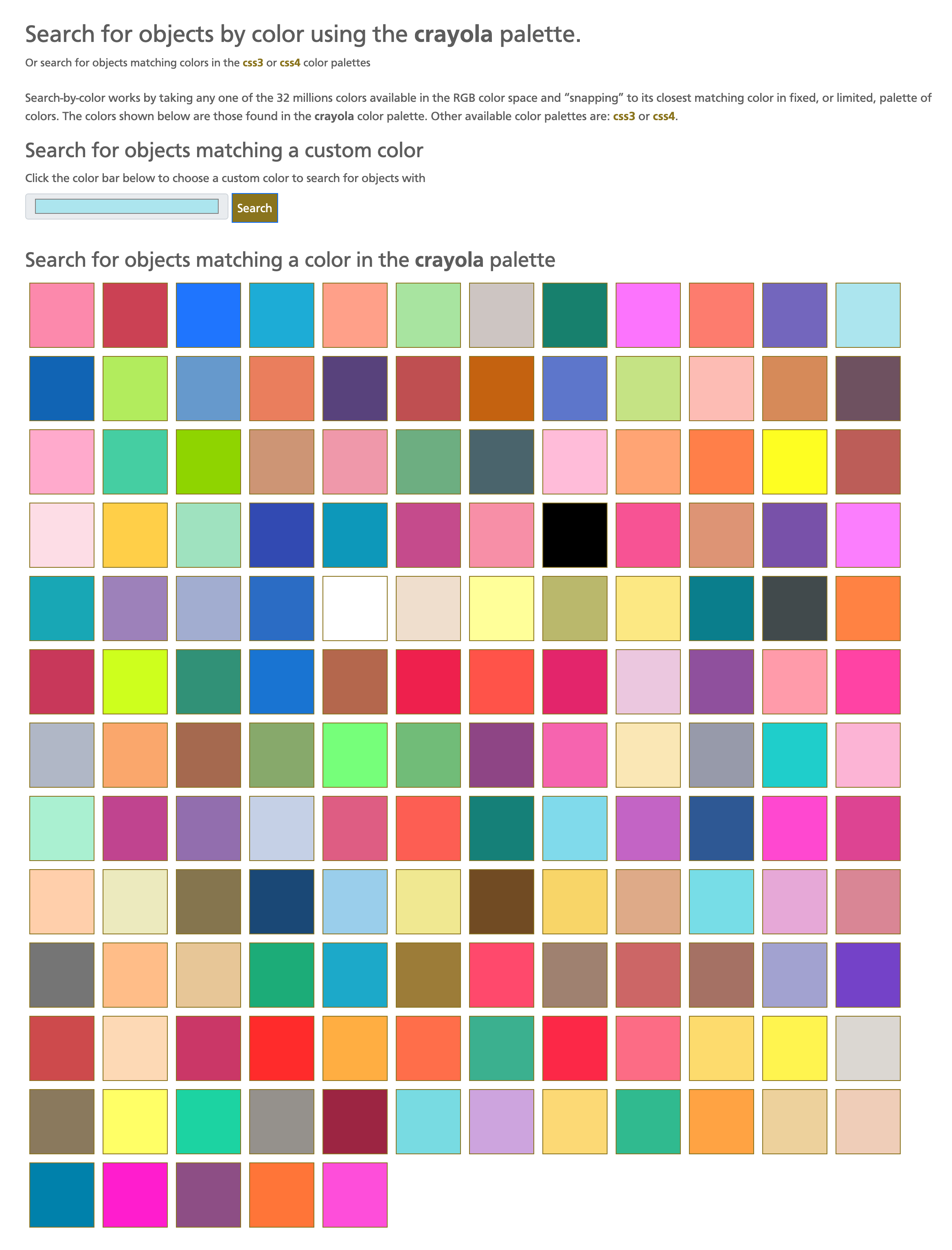
Currently there are three palettes: CSS3 and CSS4, which define common colors used by web browsers, and the Crayola color palette which defines a rich and broad range of colors each of which has a fun and quirky name. For example Laser Lemon or Neon Carrot.
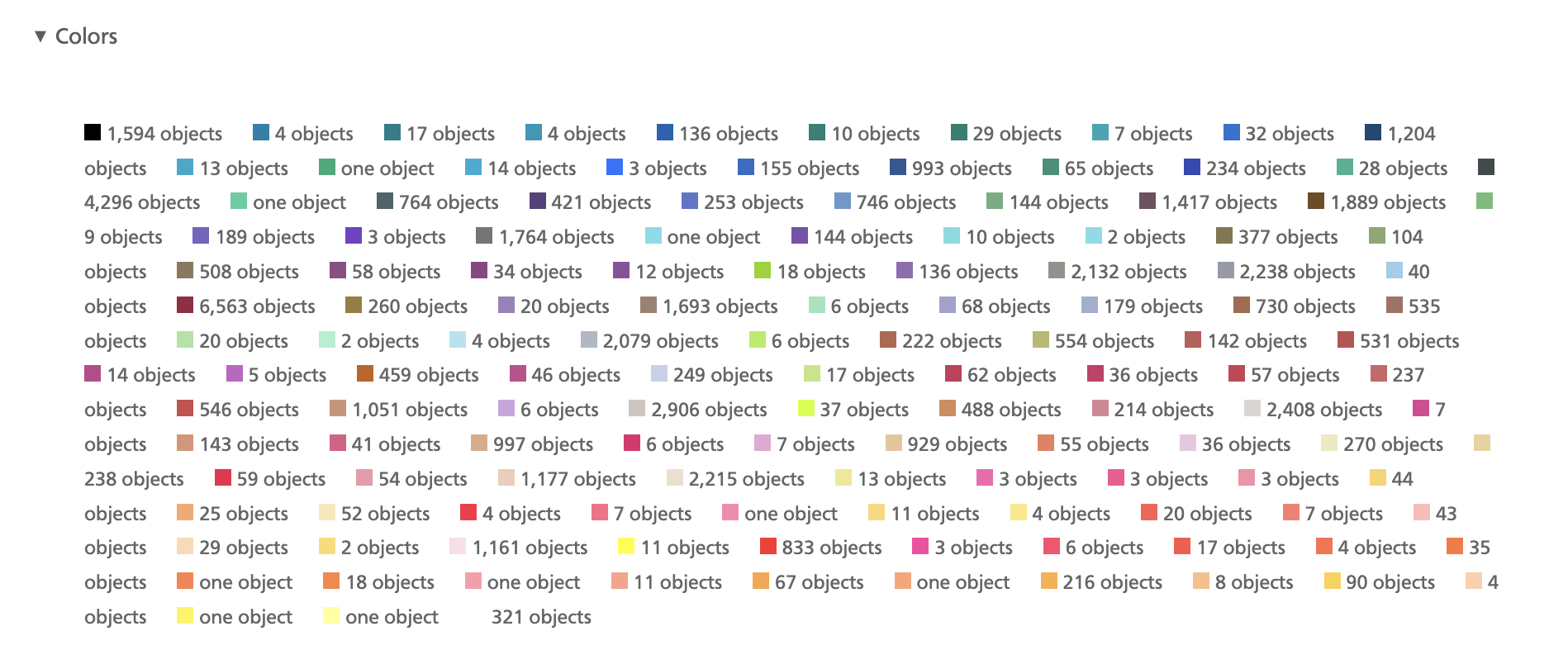
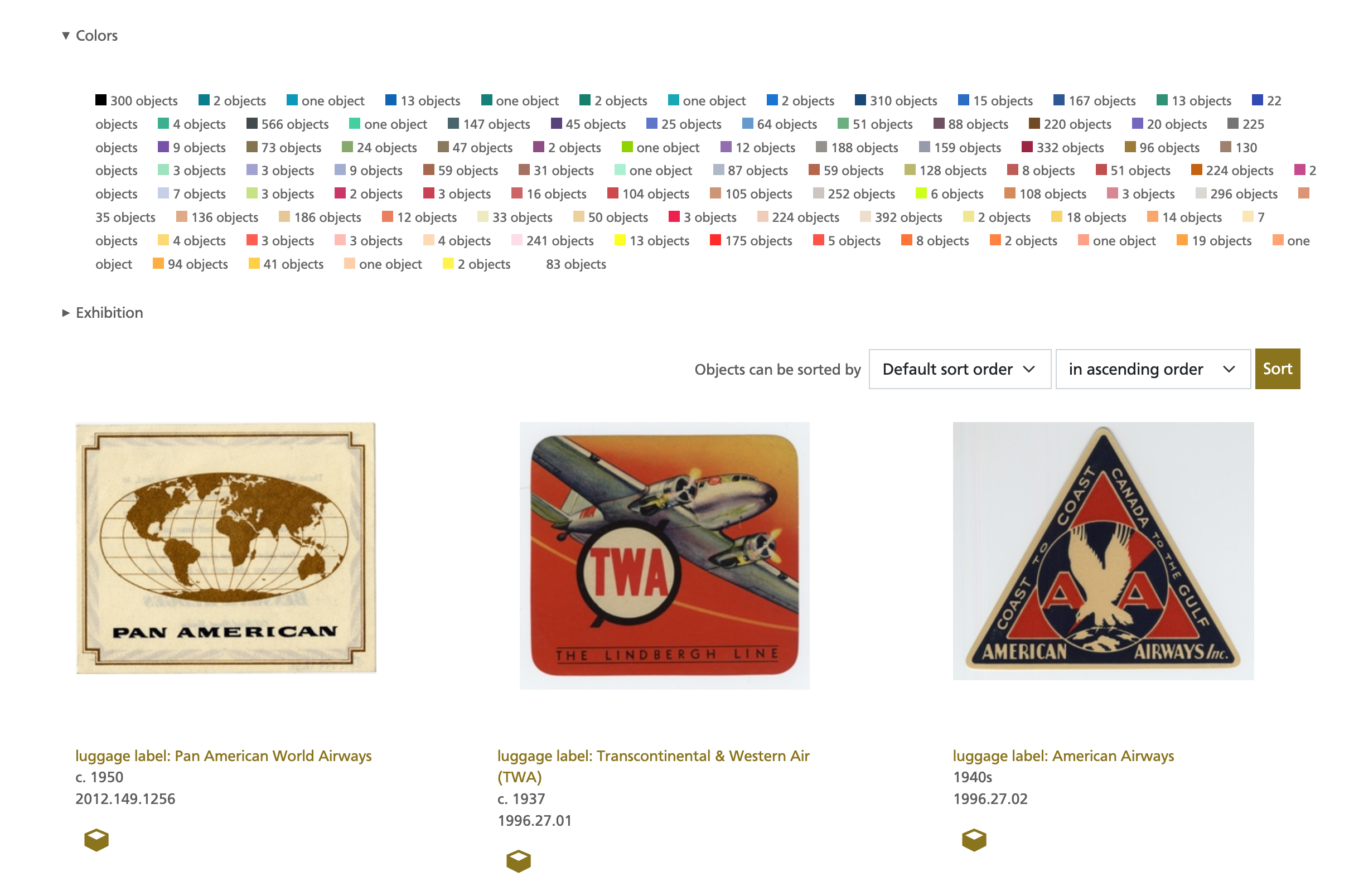
Almost every list
view (a list of objects, aircraft, airlines, arbitrary searches, etc.) on the SFO Museum Aviation Collection website has a refine
menu which allows you to perform a more detailed sub-search
based on the properties (facets) of the initial result set. This menu has been updated to include colors, too.
The SFO Museum API has also been updated to support search by color in both the sfomuseum.collection.objects.search and sfomuseum.collection.objects.getObjectsWithColor methods. Here is an example request of the second API method with an abbreviated response:
$curl -X GET 'https://api.sfomuseum.org/rest/?method=sfomuseum.collection.objects.getObjectsWithColor&palette=crayola&color=#d9318c&page=1&per_page=100&access_token={TOKEN}'

{
	"colors": {
		"color": "#d9318c",
		"closest": {
			"hex": "#dd4492",
			"name": "Cerise",
			"palette": "crayola"
		}
	},
	"objects": [
		{
			"wof:id": 1511921599,
			"wof:parent_id": 1159162825,
			"wof:name": "menu: United Air Lines, Trader Vic’s",
			...
			"millsfield:images_colors_refs": {
				"crayola": [
					{
						"hex": "#714b23",
						"name": "Raw Umber",
						"reference": "crayola"
					},
					{
						"hex": "#ffa343",
						"name": "Neon Carrot",
						"reference": "crayola"
					},
					{
						"hex": "#dd4492",
						"name": "Cerise",
						"reference": "crayola"
					},
					... and so on
These API method responses will include two fields: millfield:images_colors and millsfield:images_color which contain the list of unique colors extracted and the list of unique closest matchings colors for all three palettes, respectively, for all the images associated with an object. To retrieve the list extracted colors and corresponding palette-matches for a specific image consult the media:properties.palette property returned by the sfomuseum.collection.images.getInfo API method.
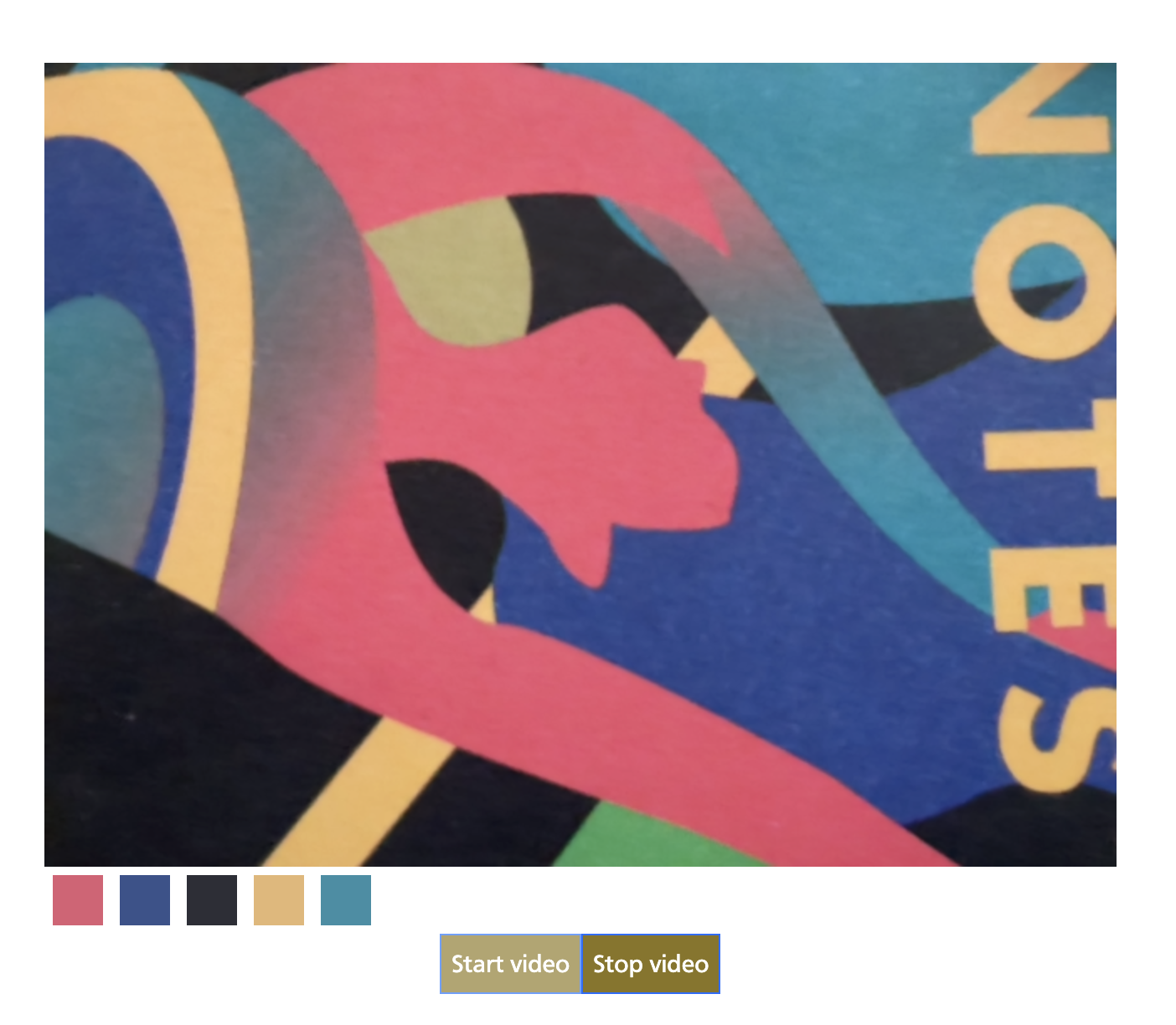
To demonstrate these API methods (and because it’s fun) we’ve created a very experimental search-by-color-by-camera web application. This application uses the browser’s MediaDevices APIs to access image data from your device’s camera extracting the dominant colors in the video feed, in real-time, presenting them as interactive swatches. When you click on one of those swatches the application queries the sfomuseum.collection.objects.getObjectsWithColor API method and displays the results next to the video feed.
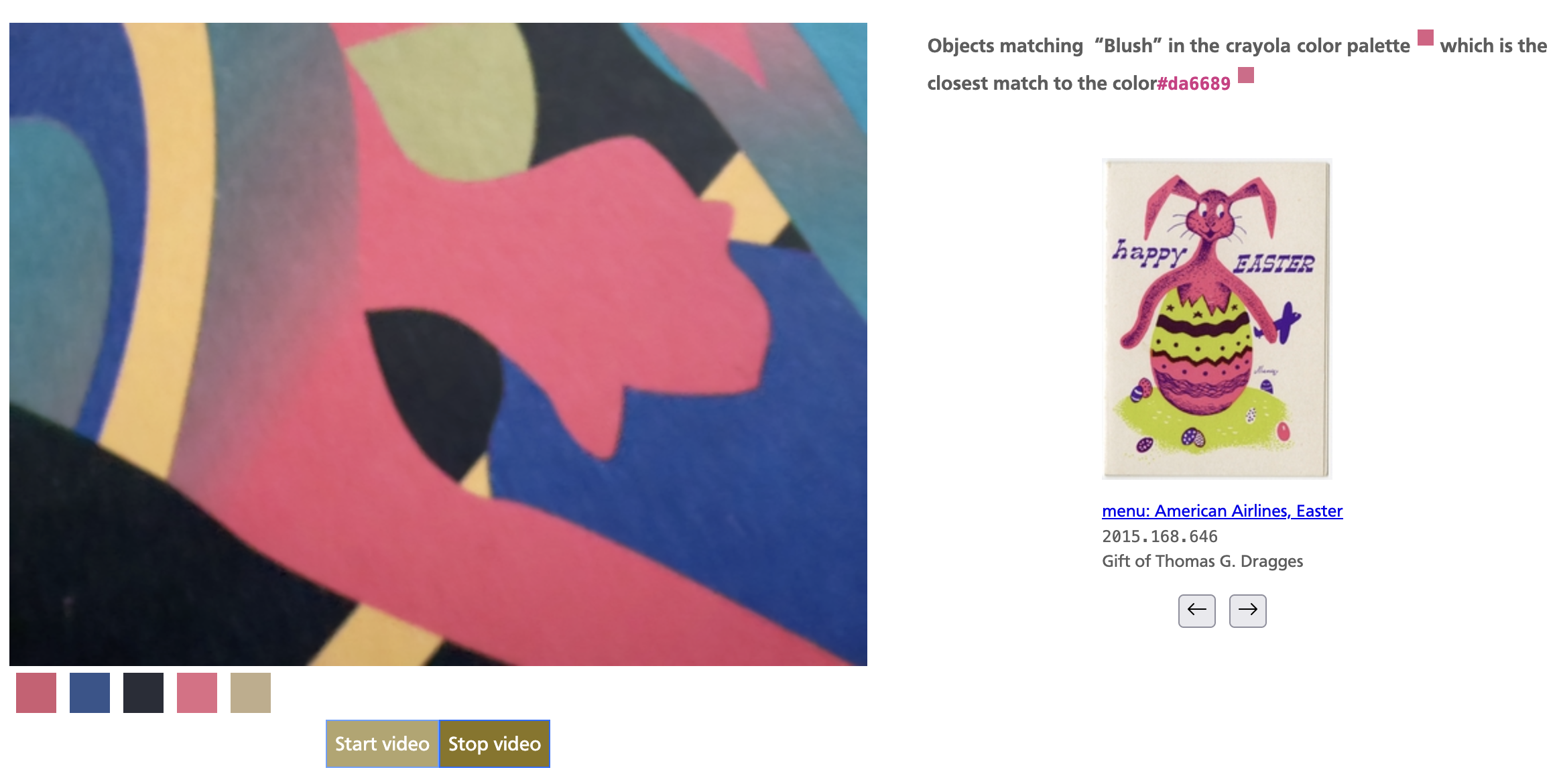
Did I mention this application is still experimental? In the testing I’ve done so far it seems to work as advertised in Firefox but I have observed some problems in Safari-based browsers (notably mousing over the color swatches) which have yet to be resolved.
The color extraction itself is happening entirely on-device so none of the data from the video feed is sent over the wire
to our servers or to anyone else. We are able to this because the color extraction functionality, provided by the aaronland/go-colours package, can be compiled as a WebAssembly binary allowing it to run locally in your browser. We’ve written about the promise and uses of WebAssembly in the past and while it is still very much a technology in its early days and not without some challenges it remains very exciting for exactly these kinds of applications.
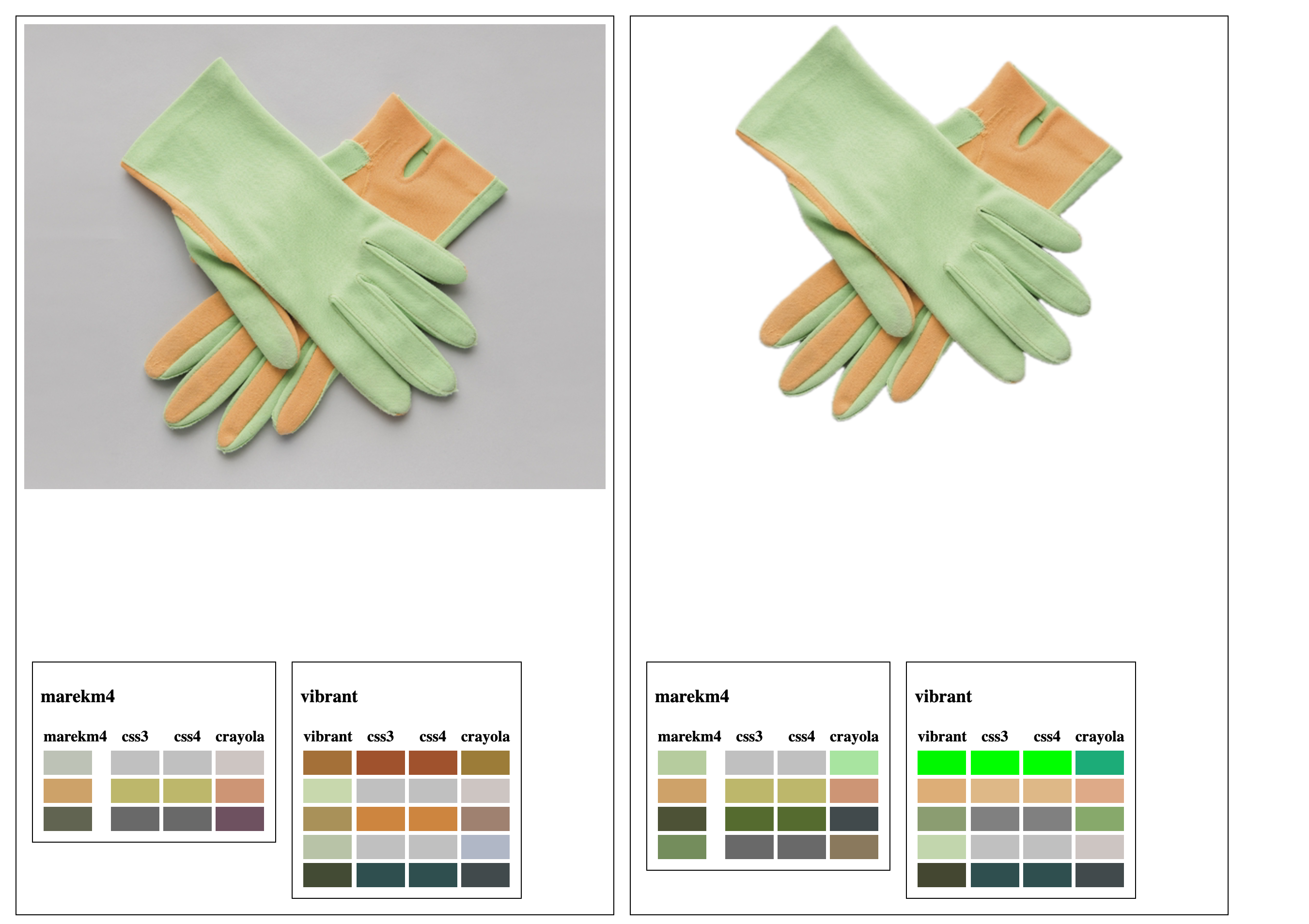
There are a number of other places in the collection of SFO Museum websites we’d like to add color-related features, notably your “shoebox” items, but in the meantime if you just want to get started browsing the SFO Museum Aviation Collection website by color head on over to:
And for anyone who is curious to read more about searching collections by color be sure to have a look at Olivia Vane’s Making “Dive into Color” blog post about her interactive timeline for exploring the Cooper Hewitt collection by color, color harmony and time.